Japan travel · Call translation
Samsung already translates calls into Japanese — for free. So why Yovoca?
Samsung's Live Translate is the rare one that already handles Japanese, on-device, with nothing needed on the other end — and it's free. It has exactly one catch, but it's a big one: it only exists on a Galaxy phone. The moment you're on an iPhone, a different Android, or a borrowed handset, it isn't there. Here's an honest, side-by-side look.
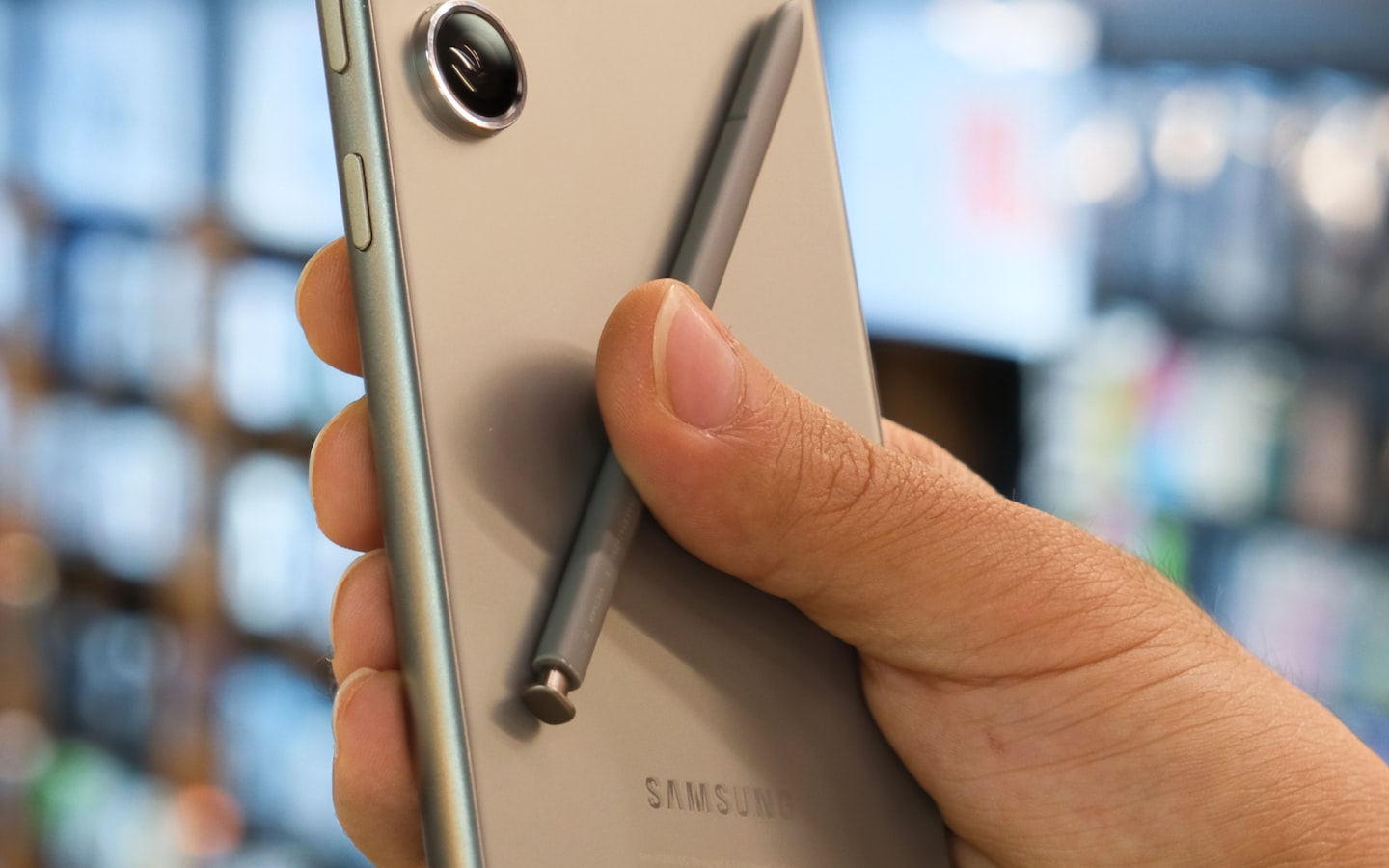
Let's give Samsung its due up front: of all the built-in phone translators, Live Translate is the one we'd most readily point a traveller to. It does Japanese, it runs on the device, it's free, and the restaurant on the other end needs no app and no special phone. If you carry a recent Galaxy, this guide can be short: use it. The honest question is only "what happens on every other phone?" — and that's where a dedicated tool like Yovoca has a job to do.
The honest version
Samsung Live Translate is excellent — genuinely free, on-device, Japanese included, and nothing needed on the other end. Its single limit is that it lives inside One UI, so it only works when the phone in your hand is a Galaxy. Yovoca is built for the other case: calling a business in Japan (or elsewhere in Asia) from any phone — an iPhone, a non-Samsung Android, a hotel landline — and, in time, having a number that's yours so they can reach you back. On a Galaxy, in a casual call, Samsung usually wins. Off a Galaxy, it simply isn't an option.
At a glance
| Samsung Live Translate | Yovoca | |
|---|---|---|
| What it is | Galaxy AI call translation, in the Samsung dialer and some third-party calling apps | A call you make with a live translator — plus a bilingual number that's yours |
| Languages on calls | ~20 languages, Japanese included (also Chinese & Korean) | Built for the languages you travel into, including Japanese |
| Calling a restaurant in Japan | ✓ Japanese is supported | ✓ |
| Runs on | On-device — translation processed on the phone, works offline | A regular voice call over the network |
| Who can use it | Galaxy phones only — S22 and newer, Z Flip4 / Fold4 and newer, on One UI 6.1+ | Any phone — iPhone, any Android, even a hotel landline |
| On an iPhone or non-Samsung Android | ✗ not available | ✓ |
| Other side needs an app? | No — even a landline | No — even a landline (a genuine tie) |
| A number that's yours so they can call you back | ✗ — it's your own SIM/number, not a bilingual line | ✓ planned |
| In your own voice | A system voice reads the translation | ✓ your cloned voice (planned) |
| Using it from a phone that isn't yours | ✗ only works if that phone is also a Galaxy | Your phone = recognised by caller ID; a borrowed / hotel phone = a short PIN (access-number, a P1 feature) |
| Cost | Free on supported Galaxy devices | Early access — prepaid / trip packs, billed by where you call |
| Available today | ✓ on a supported Galaxy | Early access — join the list |
| Best for | Galaxy owners making casual calls, Japanese included, with nothing on the other end | Calling Japan/Asia from any device, with a number that's yours |
Where Samsung Live Translate is the right call
For a big slice of situations, Samsung's free feature is the sensible choice, and we'd tell you to use it:
- The phone in your hand is a Galaxy — roughly S22 or newer, or a Z Flip4 / Fold4 or newer, on One UI 6.1 or higher.
- You're calling in one of its supported languages — Japanese, Chinese and Korean are on that list (Samsung lists Cantonese too), as they are on Apple's.
- It's a one-to-one, casual call, and you don't need anyone to call you back on a number that reads as bilingual.
In that case, open the Phone app, start the call, tap Call assist and turn on Live translate. Samsung also lists Live translate for calls placed in some third-party apps — WhatsApp, Line, WeChat, Telegram, Signal, Messenger, Instagram, Meet and Kakao Talk among them — though it notes the supported set can change. It runs on the device — processed on-device, so it even works without a data connection — and the person on the other end can be on any phone, including an old landline, with nothing to install. Free and built in beats a separate tool every time it actually covers the call.
Where it stops — the phone has to be a Galaxy
Live Translate has one limit, and it's structural: it's a Galaxy AI feature, so it only exists where One UI does. That plays out in a few ways travellers run into:
- It isn't on an iPhone. If you carry an iPhone, Live Translate simply isn't there. Apple has its own call translation, Japanese included — but only on an Apple Intelligence iPhone, so an older handset is left with neither. What Apple's version needs.
- It isn't on a non-Samsung Android. A Pixel, a Xiaomi, a OnePlus — none of them have Live Translate. It's specific to Galaxy hardware running One UI, not Android in general.
- It isn't on a phone you borrow. The translator lives on your Galaxy. Reach for a friend's iPhone or a hotel landline and there's nothing to turn on.
- It gives you no number of your own. Like the OS features, it translates the call in front of you. It doesn't give you a line a restaurant can call back, or one that can take a verification text — it just uses your normal number. The moment the conversation needs a callback in the local language, that's outside its job.
What Yovoca does differently — and honestly
Yovoca is a dedicated call layer for exactly the case Samsung can't cover: you make the call yourself, with a live two-way translator, to any number — and your account works from any phone, not just a Galaxy. You speak English; the other side hears natural Japanese, and their reply comes back to you.
From any phone is real, but worth being precise about. From your own phone — iPhone or Android — caller ID recognises your account, nothing to log in. From a borrowed or hotel phone, you dial a Yovoca access number and enter a short PIN. You're billed by where you're calling, from a prepaid balance, not by which handset you used. (The dial-in access number is a planned P1 capability, not day one.)
And to be straight about today's edges: Yovoca is in early access, the cloned-voice and persistent-number pieces are on the roadmap, and we do not hand you a Japanese mobile number or promise to clear SMS-verification walls. Where Samsung is free and shipping on a Galaxy, we say so plainly.
Hear it live +1 (888) 885-5228 Say a sentence in English — hear it come back in Japanese, live on a real phone line. Free demo · about 2 minutes · no app, no signup · still in testing, may not connect from every countryFor the calls a Galaxy can't take
Call Japan in your language — from any phone.
Samsung Live Translate is great if a Galaxy is the phone you have. When it isn't — an iPhone, a Pixel, a borrowed handset, a number you need them to call back — that's the gap Yovoca is built for. You make the call, a live translator is on the line both ways, and your account travels with you, not your hardware. Join the waitlist and reserve your founding line.
One email when your line is ready. No spam. By joining, you agree to the Terms and Privacy Policy.
Frequently asked
Does Samsung Live Translate work for phone calls?
Yes. On a supported Galaxy phone, Live Translate is built into the Samsung dialer — you tap Call assist, turn on Live translate, and it translates the call in real time and speaks it aloud, with the text on screen. Samsung also lists it for calls made inside some third-party apps, such as WhatsApp, Line, WeChat and Telegram. The translation is processed on-device, so it even works offline, and the person on the other end needs no app and can be on any phone, including a landline.
Does Samsung Live Translate support Japanese on calls?
Yes. Japanese is one of Live Translate's supported languages, along with Chinese and Korean — so it can translate a call to a Japanese restaurant or business. Samsung's current list runs to around 20 languages, Cantonese included; it also notes that certain regions and languages may not be supported, so check the list for your device and country.
Which phones support Samsung Live Translate?
It's a Galaxy AI feature, so it only runs on supported Samsung Galaxy devices. Samsung's own wording is “select phones and tablets running Android 14 with One UI 6.1 or higher” rather than a fixed model list — in practice roughly the Galaxy S22 series and newer, Z Flip4 / Z Fold4 and newer, and recent Galaxy tablets, but check your own device. It is not available on an iPhone or on non-Samsung Android phones such as Pixel, Xiaomi, or OnePlus.
If Samsung Live Translate is free, why would I use Yovoca?
If you have a supported Galaxy, Live Translate is the better choice for a casual call — it's free, on-device, and covers Japanese. Yovoca is for a different case: making the call from any phone rather than only a Galaxy — an iPhone, a non-Samsung Android, or a borrowed handset — with a number that's yours so a business can call you back. Yovoca is in early access; Samsung Live Translate is shipping today.
Does the person I call need a Galaxy or an app?
No — for both Samsung Live Translate and Yovoca, the translation happens on your side, so the other person can be on any phone, including a landline, with nothing installed. That part is a genuine tie. The difference is on your end: Live Translate needs your phone to be a Galaxy, while Yovoca works from any phone.
Sources checked on 2026-07-30: Samsung — Use Live Translate on Galaxy phones and tablets (One UI 6.1+ on Android 14, the ~20-language list including Japanese, Korean and Cantonese, the note that certain regions and languages may not be supported, and the list of third-party calling apps it covers). Samsung changes this list; we recheck this guide when it does.