Japan travel · Call translation
The Google Translate app is free and speaks Japanese — so why Yovoca?
Google Translate is the tool almost everyone already has, it's free, and it handles Japanese beautifully. But its talking modes are built for standing in front of someone — not for being on a live phone call. The moment you have to ring a restaurant in Kyoto, the gap shows. Here's an honest, side-by-side look.
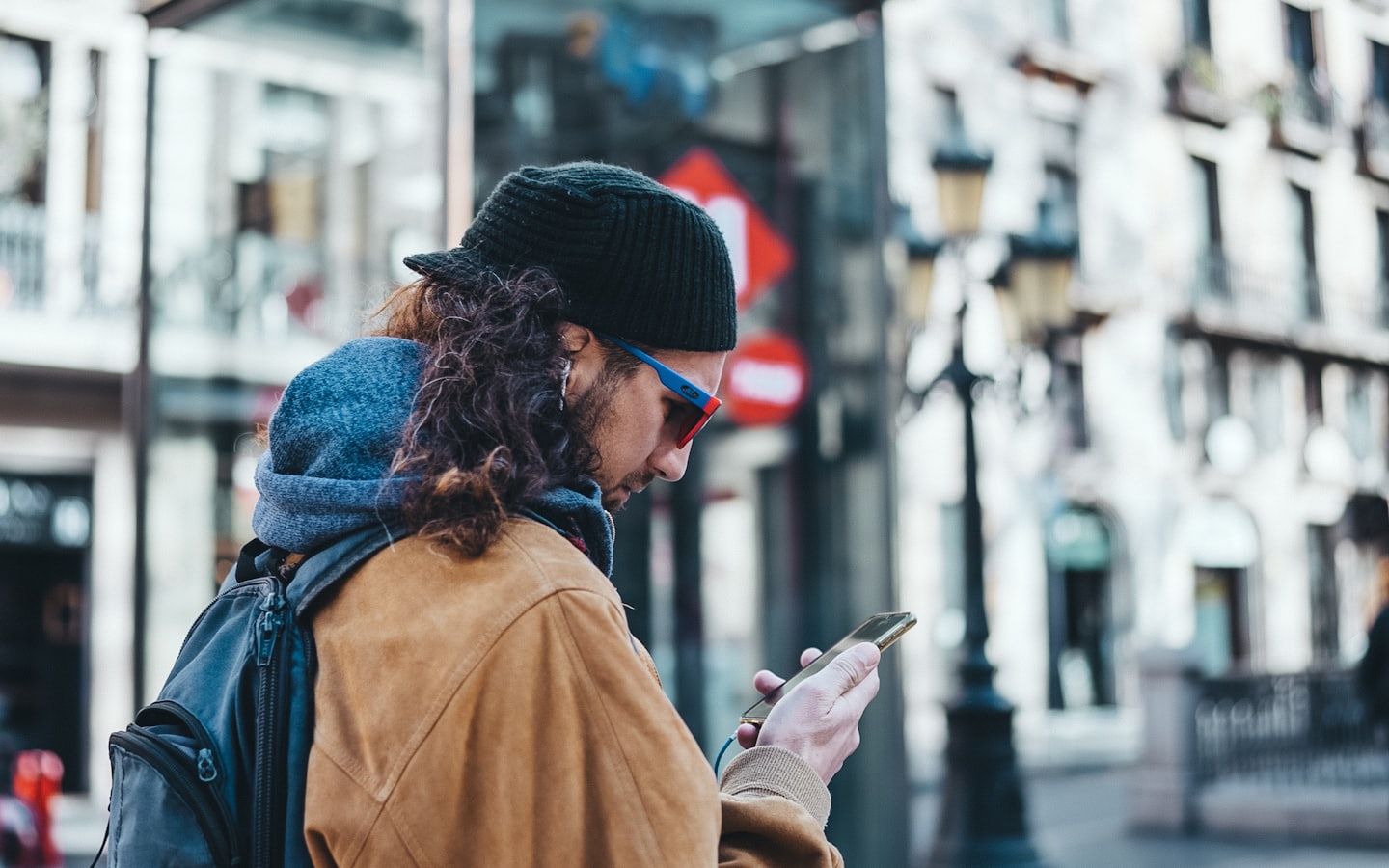
If you're standing in a shop or across a table from someone, Google Translate's conversation mode is genuinely brilliant — it's free, it's on a phone you already own, and it speaks Japanese along with a hundred other languages. So it's a fair question: with Google doing this for free, is there any reason to look at a dedicated tool like Yovoca? The honest answer is that it comes down to one word — call. Google Translate is built to translate the conversation in front of you. It isn't built to sit inside a phone call to a number you've dialled, and on most trips to Japan that's exactly the conversation you're dreading.
The honest version
Google Translate is excellent, free, and supports Japanese — for typing, signs, and in-person back-and-forth. Its Conversation / Live translate mode is designed for two people near one phone, taking turns out loud — not for bridging a call you place to a business. Yovoca is built for that narrower, harder job: you ring a number in Japan with a live two-way translator on the line, from any phone. Where you're face-to-face, Google's free app usually wins. On an actual phone call, it isn't really the tool for it — and that's most of the calls a traveller needs to make.
At a glance
| Google Translate | Yovoca | |
|---|---|---|
| What it's built for | Typing, photo / camera, and in-person conversation — two people near one phone | A phone call you place yourself, with a live two-way translator on the line |
| Languages incl. Japanese | ✓ Japanese supported — 100+ for text, 70+ for live conversation | Built for the languages you travel into, including Japanese |
| Translates a live phone call, both ways | ✗ conversation mode is for in-person, not a dialled call (workaround: a spare phone on speaker) | ✓ that's the whole job |
| Calling a restaurant in Japan | ✗ you'd hold the phone between you and them — clumsy at best on a real call | ✓ you ring them, translator in the middle |
| Do you stay on the call? | It's not a call layer — there's no call for it to be inside | ✓ you're on the line the whole time, speaking for yourself |
| Works on | Any phone — Android or iPhone, free app | Any phone — Android, an older iPhone, even a hotel landline |
| A number that's yours so they can call you back | ✗ it's a translator, not a phone number | ✓ planned |
| In your own voice | A synthesized voice | ✓ your cloned voice (planned) |
| Using it from a phone that isn't yours | Just install the free app and sign in | Your phone = recognised by caller ID; a borrowed / hotel phone = a short PIN (access-number, a P1 feature) |
| Cost | Free | Early access — prepaid / trip packs, billed by where you call |
| Available today | ✓ live conversation is rolling out in beta; text & camera ship now | Early access — join the list |
| Best for | Signs, menus, typing, and talking to someone in the room with you | Calling Japan/Asia yourself, from any device, with a number that's yours |
Where Google Translate is the right call
Credit where it's due — for a huge slice of travel, Google Translate is the sensible choice, and we'd tell you to use it:
- You're reading a menu, a sign, or a train timetable — point the camera and it overlays the translation.
- You're standing in front of someone — a shopkeeper, a hotel clerk, a taxi driver — and you can both lean toward one phone and take turns.
- You want to type out a sentence to show someone, in any of 100-plus languages, Japanese included.
In those moments, open the app, tap Live translate (or just type), and let it work. It's free, it's already on your phone, and it speaks Japanese well. A free tool you already own beats a separate one every time it actually covers the situation.
Where it stops — and a phone call is the clearest example
The trouble is the one job travellers most dread is a phone call, and that's where the app's design pulls away from you:
- Conversation mode is built for in-person. Google's own help describes it as taking turns speaking into one phone, with translations played out loud on its speaker. That works when the other person is next to you. On a call to a restaurant, there's no one beside you to hand the phone to — you'd be holding the handset between your ear and the speaker, juggling two audio paths, hoping the timing survives.
- The app doesn't bridge the call itself. Real-time, both-ways translation during a phone call isn't a Google Translate app feature — it's a separate on-device capability on certain Pixel and Samsung phones. On Pixel it's called Voice Translate, and the fine print matters: Google lists it for Pixel 10 and later only, it translates between English and a short list that does include Japanese (but not on the Pixel 10a), it runs on-device with no internet needed, and Google says it mimics your own voice and tone. So it is a real answer — a new-flagship, English-paired one. If your own language isn't English, it won't take you from, say, Mandarin to Japanese. For everyone else the workaround is a speakerphone and a second phone running Translate beside it, which is exactly as awkward on a quiet restaurant line as it sounds.
- It gives you no number. Google Translate is a translator, not a phone line. It doesn't give you a number a business can call back, or one that can take a verification text. The instant the conversation needs a callback, there's nothing there to call.
What Yovoca does differently — and honestly
Yovoca is a dedicated call layer for exactly this gap: you make the call yourself, with a live two-way translator, to any number — and your account works from any phone. You speak English; the other side hears natural Japanese, and their reply comes back to you, all inside one ordinary phone call.
From any phone is real, but worth being precise about. From your own phone, caller ID recognises your account — nothing to log in. From a borrowed or hotel phone, you dial a Yovoca access number and enter a short PIN. You're billed by where you're calling, from a prepaid balance, not by which handset you used. (The dial-in access number is a planned P1 capability, not day one.)
And to be straight about today's edges: Yovoca is in early access, the cloned-voice and persistent-number pieces are on the roadmap, and we do not hand you a Japanese mobile number or promise to clear SMS-verification walls. Where Google is free and shipping, we say so — it's the better tool for everything that happens in the room with you.
Hear it live +1 (888) 885-5228 Say a sentence in English — hear it come back in Japanese, live on a real phone line. Free demo · about 2 minutes · no app, no signup · still in testing, may not connect from every countryThe job a translator app can't do
Call Japan in your language — from any phone.
Google Translate is great for the menu, the sign, and the person in front of you. When the only way in is a phone call — a Japanese restaurant that takes bookings by phone, a number you need them to call back — that's the gap Yovoca is built for. You make the call, a live translator is on the line both ways, and your account travels with you, not your handset. Join the waitlist and reserve your founding line.
One email when your line is ready. No spam. By joining, you agree to the Terms and Privacy Policy.
Frequently asked
Can Google Translate translate a phone call?
Not really, not on its own. The Google Translate app's Live translate / Conversation mode is built for in-person conversations — two people near one phone, taking turns, with translations played out loud on the speaker. It doesn't sit inside a call you dial. Real-time both-ways translation during an actual phone call is a separate on-device feature on some Pixel and Samsung phones, not the Translate app. The common workaround is a second phone running Translate next to a call on speaker, which is clumsy on a real restaurant line.
Does Google Translate support Japanese?
Yes. Google Translate supports Japanese across text (100+ languages) and its live conversation mode (70+ languages). It's genuinely good for reading menus and signs with the camera, typing out sentences, and talking with someone standing in front of you. The limitation isn't the language — it's that the app is built for in-person and text translation, not for bridging a phone call.
Is Google Translate free?
Yes, Google Translate is free. For typing, camera translation, and in-person conversation, it's hard to beat and you may already have it installed. Yovoca isn't trying to replace it for those uses — it's for the specific job of placing a phone call to a business in Japan or Asia with a live two-way translator on the line.
If Google Translate is free, why would I use Yovoca?
If you're translating signs and menus or talking to someone in the room with you, Google Translate is the better choice — it's free and supports Japanese. Yovoca is for a different job: calling into Japan and the rest of Asia yourself, on one ordinary phone call, with a live translator both ways and a number that's yours so a business can call you back. Yovoca is in early access; Google Translate is shipping today.
Does the person I call need an app?
No. With Yovoca you place a normal phone call, so the person you ring can be on any phone, including a landline — they don't install anything. With Google Translate there's no call being placed at all; it translates the conversation happening in front of your phone, so it's only as good as having the other person within earshot of your speaker.
Sources checked on 2026-07-30: Google — Use Voice Translate (Pixel Phone Help) (Pixel 10 and later; English paired with French, German, Hindi, Indonesian, Italian, Japanese, Portuguese, Russian, Spanish and Swedish, with Japanese, Indonesian, Russian and Swedish excluded on the Pixel 10a; on-device and offline; voice-and-tone mimicry). Language counts for the Google Translate app itself are from Google’s own product pages and are not re-verified here.